
10 reasons to use Customer Thermometer as a Zendesk satisfaction ratings alternative
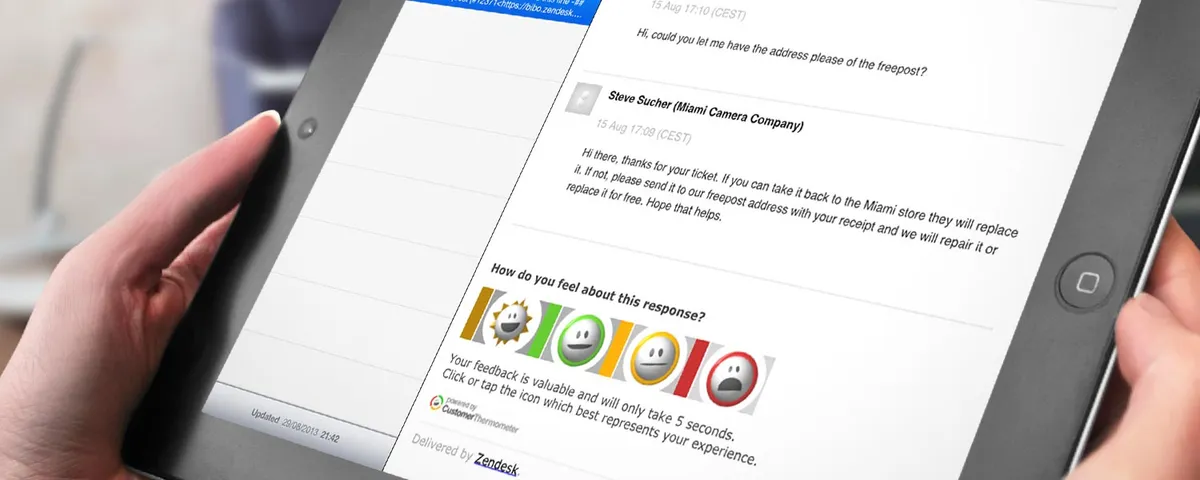
Whilst Zendesk has its own satisfaction rating feature, we know it doesn’t answer every Zendesk user’s needs.
Here are our top 10 reasons to start using the power of Customer Thermometer satisfaction ratings in the footer of your Zendesk tickets:
1. Choose your question
By choosing your own question, you can make the Zendesk survey more relevant to your customer experience.
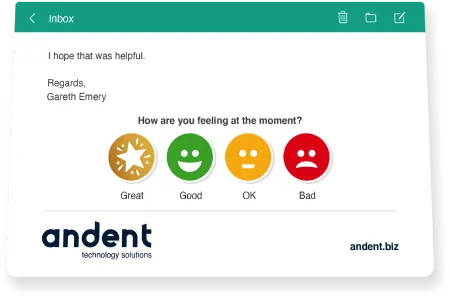
2. Use eye-catching survey icons
Choose from our icon library or upload your own and make your survey stand out to get a better response rate.
3. Increase your response rates
Customer Thermometer is designed to remove all friction from the survey journey and significantly increases the 21% response rate normally achieved by the native Zendesk survey.
“Our 80% response rate is unheard of.
The really cool thing is, 66% leave us a comment too”
–Jon D.
- Survey your customers along the Zendesk ticket journey
Decide when and where you want your survey to appear, not just when the ticket is closed. You can coach your agents during the ticket process in real time, as opposed to at the end of the process when it’s too late.
5. Give your customers more choice than just “good or bad”
Provide 2, 3 or 4 rating options for your customers to choose from to give you a better idea of how your Service Desk is performing.
6. Capture the “why” behind your ticket ratings
Once your customer provides a rating you can ask them why they made that choice using customizable Response Drivers or by capturing a comment.
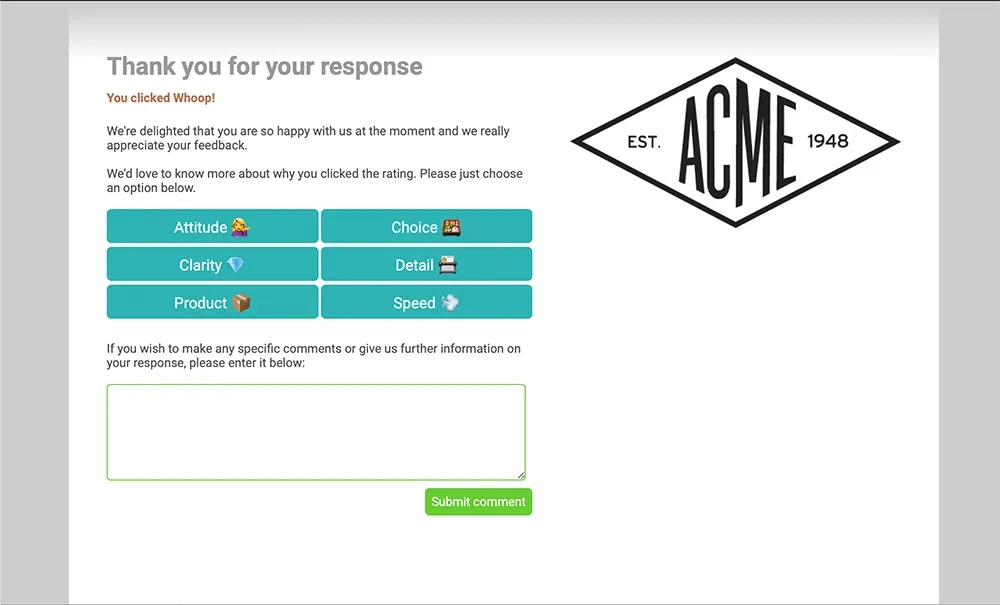
7. Provide a branded Service Desk experience
Make the survey part of a branded customer experience by customizing the Thank you page.
8. Respond to feedback quickly using real-time alerts
You (or your agents) can be alerted in real time to “red” and “amber” ratings or comments left, via email, iOS, Android, Slack or Microsoft Teams.
9. Available on all Zendesk plans
If you have a Zendesk Team package, you don’t get to use the native Zendesk satisfaction ratings – Customer Thermometer allows you to add this function to any Zendesk account level.
10. Unlimited agents for a single license
Starting at $29 per month for 50 responses (you only pay for the responses you receive from the surveys).
Set up a Zendesk survey for FREE
You can also read more in the Zendesk AppStore.